gh22 Login
Access your gaming account in seconds. Play slots, live casino, sports betting, and instant win games with your existing credentials.
Login Methods Available
gh22 supports three convenient ways to access your account. Choose the method that works best for you—all deliver the same secure, fast experience.
| Method | How It Works | Best For |
|---|---|---|
| Phone Number | Enter the phone number you registered with and your password. Works with any device and no app required. | First-time logins, browser access, remembered credentials. |
| Username | If you created a custom username during registration, use it instead of your phone. Same password applies. | Faster entry if you prefer typing usernames over long phone numbers. |
| Mobile App | Download the gh22 app from our site or your phone's app store. Log in once; stay logged in with biometric or PIN security. | Players who play often; better app performance and exclusive push notifications. |
Why Use Each Method
- Phone login is fastest for occasional players who use different devices.
- Username login saves keystrokes if you log in regularly on the same device.
- App login is most secure—uses device biometrics and keeps you logged in without storing passwords in your browser.
How to Log In: Step-by-Step
Follow these four steps to access your gh22 account. The entire process takes less than one minute.
-
Enter Your Credentials
Go to gh22.ws and click "Log In" or open the app. Type your phone number (or username) and password in the fields provided.
-
Click Log In Button
Press the "Log In" button. The page will verify your credentials against our secure server—takes 2–3 seconds.
-
Verify (If Needed)
If you're on a new device, we may send a one-time code via SMS or email to confirm it's you. Enter that code on the screen.
-
Access Your Lobby
You're now logged in. Browse the game lobby, check your balance, deposit funds, claim bonuses, or start playing immediately.
Troubleshooting Login Issues
Stuck at the login screen? Check this table for quick fixes to common problems.
| Problem | Why It Happens | Solution |
|---|---|---|
| "Invalid credentials" | Password is wrong or account doesn't exist with that phone/username. | Double-check spelling. Make sure CAPS LOCK is off. Try your phone number instead of username (or vice versa). If you still can't log in, use the "Forgot Password" link to reset it. |
| "Account suspended" | Account flagged for policy breach, suspicious activity, or inactive for 12+ months. | Contact [email protected] with your phone number and registered email. Our team will review within 24 hours and explain the reason. |
| "Verification code not received" | SMS delayed (network issue), wrong phone number on file, or recipient blocked the sender. | Wait 2 minutes and request a new code. Check that your registered phone receives SMS. If the problem persists, contact support immediately. |
| "Too many login attempts" | You entered the wrong password 5+ times. Account locked for 30 minutes to prevent hacking. | Wait 30 minutes, then try again. Or reset your password immediately via the "Forgot Password" link. |
| "App won't open" | Outdated app version, corrupted cache, or insufficient storage on your phone. | Uninstall the app and download the latest version from gh22.ws/gh22-app/. Clear your phone's cache (Settings > Apps > gh22 > Storage > Clear Cache). Restart your phone. |
| "Login page keeps loading" | Slow internet connection, browser cache issue, or temporary server maintenance. | Refresh the page (Ctrl+R or Command+R). Try a different browser or private/incognito mode. Check your internet speed. If it persists, try the app or contact support. |
Account Security: Best Practices
Protecting your gh22 account is our priority and yours. Follow these five rules to keep your money and personal data safe.
Use a Strong Password
At least 12 characters mixing uppercase, lowercase, numbers, and symbols. Never use your birth date, phone, or common words.
Protect Your Phone
Keep your registered phone number secure. Don't share it with others. If you change your phone, update it in account settings immediately.
Enable 2FA (Two-Factor Authentication)
Go to account settings and turn on 2FA. You'll need a code from your phone every login—prevents thieves from accessing your account even with your password.
Never Share Your Credentials
Our support team will never ask for your password. If someone claiming to be from gh22 asks, it's a scam. Block them and report to [email protected].
Use Secure Networks Only
Avoid public Wi-Fi for logins. Use your mobile hotspot or home internet. Public networks are easy targets for hackers to steal login data.
Reset Your Password in 3 Steps
Forgotten your login password? No problem. You can reset it securely in under a minute using your registered phone number or email.
-
Click "Forgot Password"
On the login page, select the "Forgot Password?" link. You'll be taken to a password reset form.
-
Verify Your Identity
Enter your registered phone number or email. We'll send a one-time reset code via SMS or email within 1 minute.
-
Create a New Password
Enter the reset code from your phone, then type your new password twice. Click "Reset Password" and you're done. Log in immediately with your new password.
Did not receive the code? Check your spam folder, or wait 2 minutes and request a new code. If your phone number or email has changed, contact [email protected] with proof of identity.
Contents
Questions About Logging In
Find quick answers to the most common login questions below. Can't find what you're looking for? Email [email protected] or contact us via 24/7 live chat.
Can I log in on multiple devices at the same time?
What if I forget my username or phone number?
How long does login verification take?
Can I change my password without logging in?
Is my login data encrypted?
What should I do if my account is hacked?
Login on the Go: Use the gh22 App
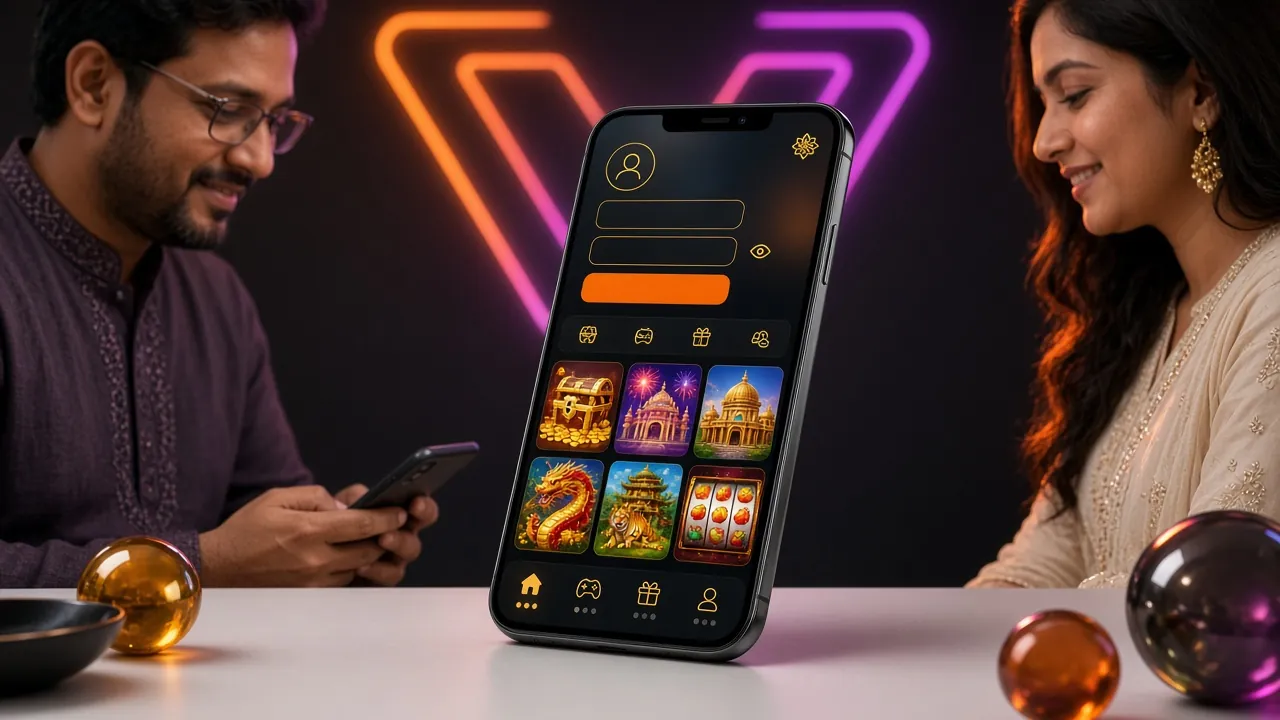
Prefer playing on your phone? Download the gh22 app for Android or iOS. Log in once and stay logged in—play faster, get push notifications for bonuses, and enjoy exclusive app-only promotions.
New to gh22? Start Here
If you haven't created your account yet, the registration process takes under 2 minutes. You'll choose your login credentials, add a payment method, and claim your welcome bonus—all in one flow.